
Automation
Remove the manual work. Keep the humans for what matters.
WHAT WE DO.
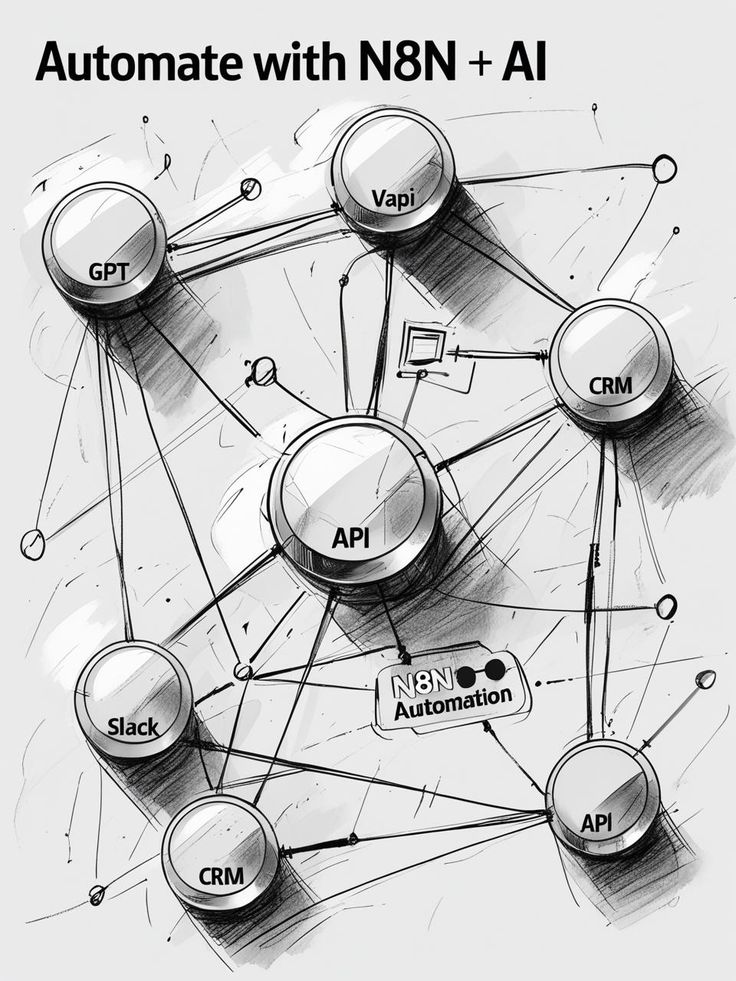
Every business has processes that run on copy-paste, spreadsheets and someone remembering to do something. Automation replaces those processes with reliable, documented, monitored workflows that run without human intervention. We use n8n as our primary automation platform — self-hostable, flexible and powerful enough to connect anything to anything.
82%
Auto-resolved requests
11h
Saved per week
0
Silent failures
EVERYTHING IN THE ENGAGEMENT.
n8n workflow builds
We design, build and document n8n workflows for any business process — from lead routing to invoice generation to data sync.
[ 01 ]API integrations
Connect any two systems that have an API. CRM, email, Slack, accounting, project management, custom internal tools.
[ 02 ]Data sync & ETL
Keep your systems in sync — CRM to database, spreadsheet to dashboard, webhook to Slack. No more manual exports.
[ 03 ]Error handling & alerting
Every workflow has an explicit failure path. Errors create tickets, send Slack alerts and never fail silently.
[ 04 ]Monitoring & versioning
Workflows are version-controlled, monitored for execution time and failure rate, and documented in plain English.
[ 05 ]Self-hosted or cloud
n8n can be self-hosted on your infrastructure for full data control, or run on n8n Cloud. We handle the setup either way.
[ 06 ]THE PROCESS.
Process mapping
We document the current manual process step by step, identify every system it touches and define what done looks like.
Automation design
Happy path, error paths, edge cases and failure handling — all designed before we open n8n.
Workflow build
Built in n8n, tested with real data, reviewed and approved before going live.
Error handling & alerting
Every workflow gets an explicit failure path — Slack alert, ticket creation or email, depending on severity.
Documentation & handover
Plain-English documentation, owner assigned, monitoring dashboard set up.
Monitoring & iteration
We review workflow performance at 30 and 90 days and optimise based on real execution data.
Why n8n instead of Zapier?
n8n is more powerful, cheaper at scale and can be self-hosted — which matters for data privacy. For simple one-step automations Zapier is fine; for complex multi-step workflows n8n wins every time.
Can you automate our existing tools?
If they have an API or webhook support, yes. We have integrated CRMs, accounting tools, project management platforms, custom databases and dozens of SaaS tools.
What if a workflow breaks?
We build explicit error handling into every workflow. Failures create visible alerts — they never fail silently.
How long does automation take?
A single well-scoped automation typically takes 1–2 weeks. A full automation audit and build-out for a business takes 4–8 weeks.
EXPLORE MORE.
HAVE AN IDEA? LET'S BUILD IT.
Tell us what you're trying to build, improve or automate.